👨💼 Creating and Accessing Your RoBeeX Account
Your RoBeeX account is required for drone activation, managing your settings, and accessing the programming features within the RoBeeX App.
To begin the process, click the prominent "Login/Register" yellow button on the main app screen. 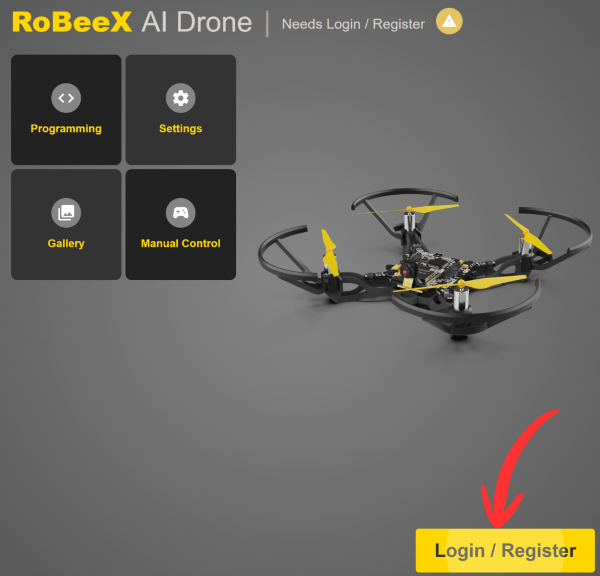
⚙️👤 Account Login & Access Options
The app provides three distinct options for accessing or managing your account:
1. Existing Account Login
If you already have a RoBeeX account:
- Enter your registered Email and Password in the designated fields.
- Click the
Loginbutton.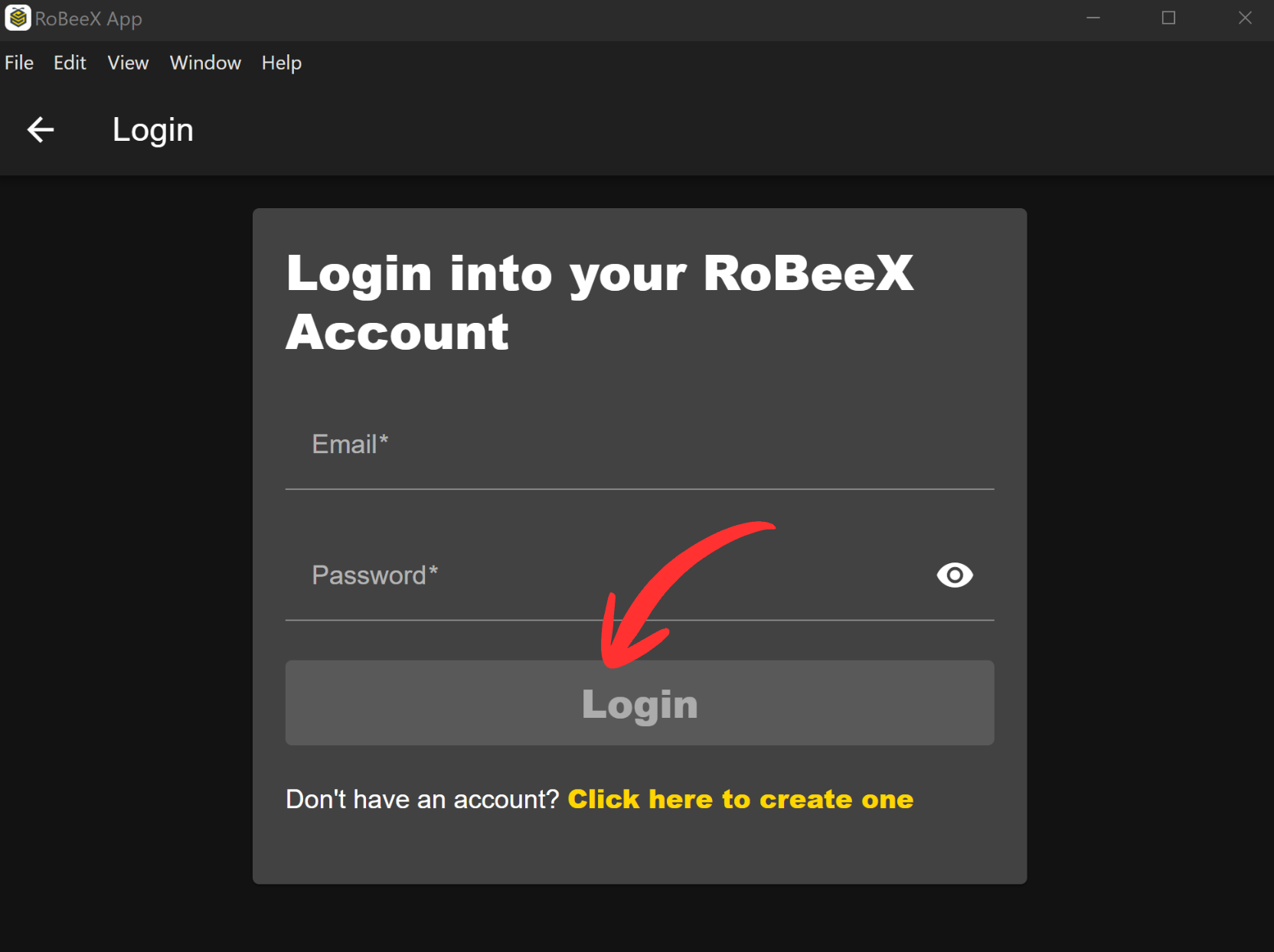
2. New Account Registration
If you do not yet have a RoBeeX account, you must create one:
Click the "
Don't have an account? Click here to create one" link.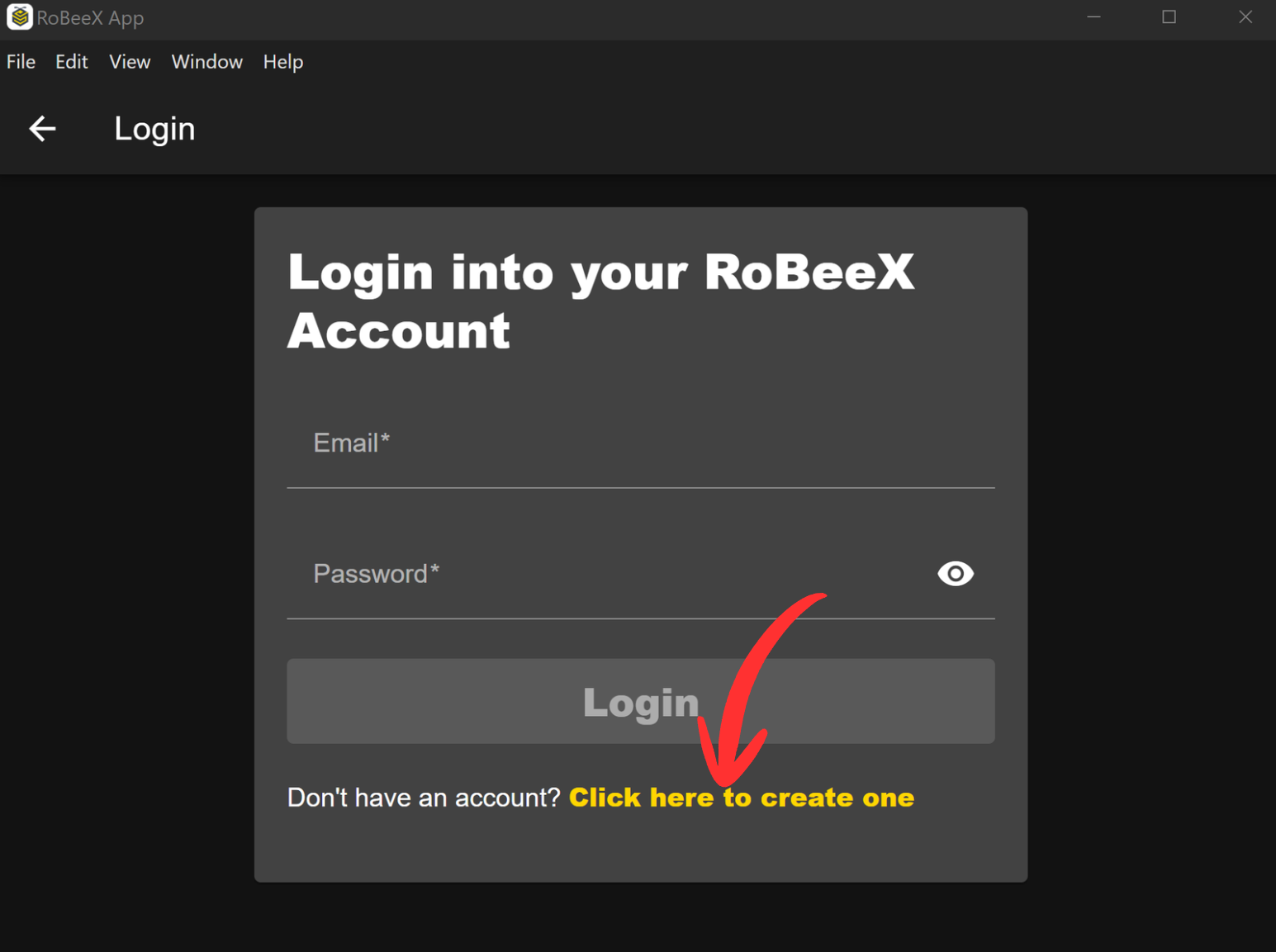
Fill in the registration form with the following required information:
- Email (Must be an existing, valid email address)
- Password (Select a strong password)
- Password Confirmation (Re-enter your selected password)
- First Name
- Last Name
- Birth Date
- Gender
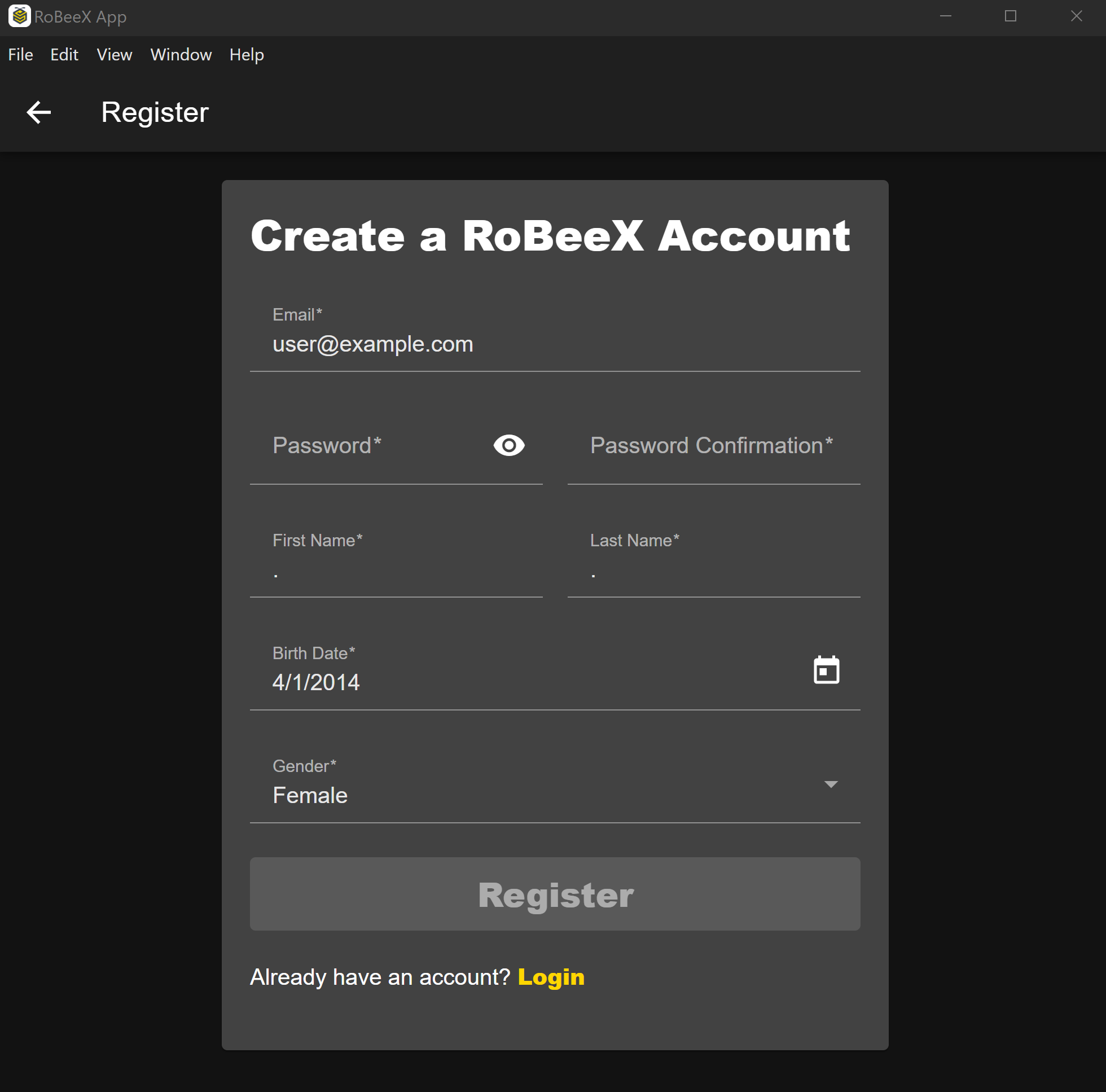
Press the "
Register" button to complete your account creation.
3. Forgotten Password Recovery
If you have forgotten your password:
- Click the "
Forgot your password? Click here" link. - Enter the Email address associated with your RoBeeX account.
- Click the "
Submit" yellow button. - You will receive an email shortly with instructions and a link to reset your password. Follow the steps in the email to regain access to your account.
WARNING
Required Functions: The RoBeeX App and a valid account are mandatory for drone activation, firmware updates, sensor calibration, camera control, and block-based coding.