Introduction to RoBeeX Blockly Environment
In this section you will get familiar with RoBeeX Blockly Environment
Prerequisites
- Installing RoBeeX App on your computer / mobile phone
- A RoBeeX device powered on and connected to your computer / mobile phone
If you don't yet have a device connection, you can still follow the steps in the editor and run them later when a device is available.
TIP
You can run blockly programs without being connect to the device, in cases where your not using device related blocks (Flight, LEDs and etc)
💻 Entering the Programming Area !
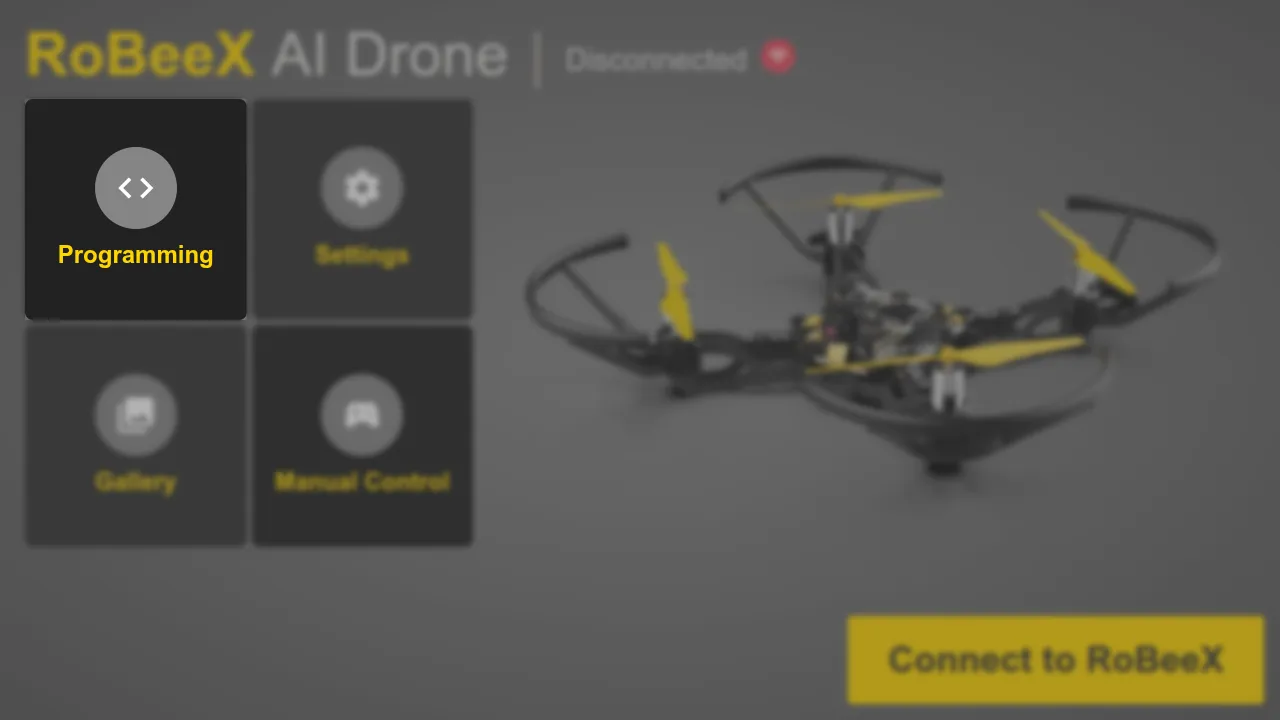
Everything Blockly related is placed in the Programming section of the RoBeeX App
RoBeeX App → Programming → Blockly page
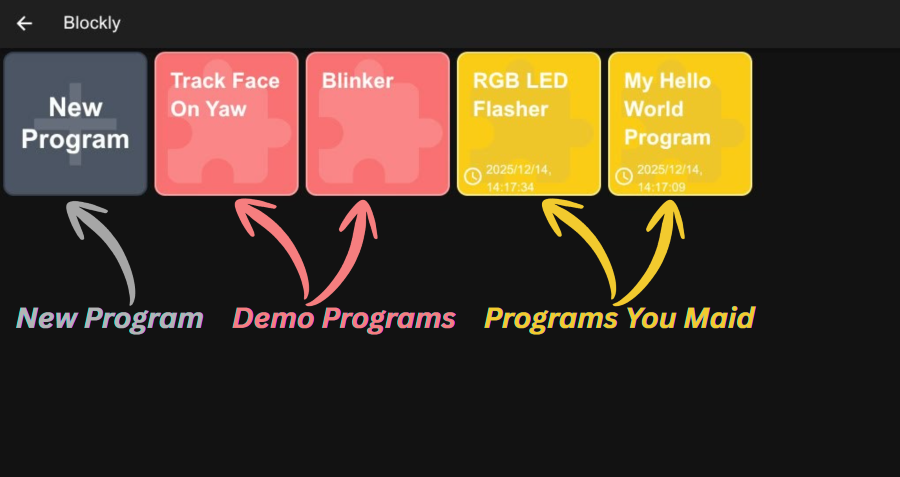
Blockly program manager
Here you can manage your blockly programs:
- Select built-in demo programs and run / clone them
- Make a new program !!!
- Select your own programs to modify them